Chrome DevTools MCP vs Playwright MCP for AI Agents
Chrome DevTools MCP (from Google’s Chrome DevTools team) and Playwright MCP (from Microsoft) both let an AI agent drive a real browser. They look alike from the outside: open a page, read it, click, take a screenshot. The differences show up in what each server costs in context, what it sends back, and what it can do beyond clicking. We installed both on a Windows 11 PC, listed their tools, and ran the same small task with each through a plain Python MCP client, timing every call.
- Playwright MCP has the smaller default tool list: 25 tools, about 5,300 tokens of definitions, against 33 tools and about 8,100 for Chrome DevTools MCP.
- On the same Wikipedia page, Chrome DevTools MCP’s accessibility snapshot was about 20% smaller, and its median run of the whole task was faster (13.5 s vs 15.3 s).
- Pick Chrome DevTools MCP for performance traces and debugging, Playwright MCP for cross-browser automation and testing.
The two servers at a glance
We checked both repositories and npm on November 28, 2026:
| Chrome DevTools MCP | Playwright MCP | |
|---|---|---|
| Repository | ChromeDevTools/chrome-devtools-mcp | microsoft/playwright-mcp |
| npm package, version tested | chrome-devtools-mcp 1.14.0 | @playwright/mcp 0.0.86 |
| GitHub stars | 59,681 | 40,240 |
| License | Apache-2.0 | Apache-2.0 |
| Latest release | Nov 24, 2026 | Nov 18, 2026 |
| Browsers | Google Chrome and Chrome for Testing (officially) | Chrome (default), Edge, Firefox, WebKit |
| Built on | Puppeteer + DevTools | Playwright |
| Headless | --headless (headed by default) | --headless (headed by default) |
| Usage statistics | Sent to Google by default; --no-usage-statistics turns it off | None mentioned in the README |
In our test both servers launched the same installed Chrome: the user agent in both was HeadlessChrome/158.0.0.0 on Windows.
Tool count and token cost
An MCP client puts every tool definition into the model’s context, so a long list costs tokens on every turn. We ran tools/list with the official MCP Inspector CLI and measured the JSON:
npx @modelcontextprotocol/inspector --cli npx -y chrome-devtools-mcp@1.14.0 --method tools/list
npx @modelcontextprotocol/inspector --cli npx -y @playwright/mcp@0.0.86 --method tools/list| Configuration | Tools | Characters | Est. tokens |
|---|---|---|---|
| Chrome DevTools MCP, default | 33 | 32,406 | ~8,100 |
Chrome DevTools MCP, --slim | 3 | 1,042 | ~260 |
| Playwright MCP, default | 25 | 21,199 | ~5,300 |
Playwright MCP, all --caps enabled | 72 | 46,714 | ~11,700 |
The lists overlap on the basics (navigate, click, type, fill a form, press a key, screenshot, console, network). Chrome DevTools MCP adds performance_start_trace, performance_analyze_insight, lighthouse_audit, take_heapsnapshot, get_css_styles, logpoints and a screencast recorder. Playwright MCP keeps extras behind opt-in capabilities: vision (click by screen coordinates), pdf, network (mock routes), storage (cookies and local storage), testing (assertions) and devtools (Playwright tracing and video).
Playwright’s own README now points coding agents to its separate CLI-plus-skills tool for the same reason: fewer tokens. Google ships a CLI alongside Chrome DevTools MCP too. Both teams explain the trade-off in official videos:


The same task on both servers
The Inspector CLI starts a new server for each call, which would also start a new browser, so for a multi-step task we wrote a short Python script with the mcp package (2.3.0) and its stdio client. The task: open the Wikipedia article on the Model Context Protocol, take an accessibility snapshot, find the “JSON-RPC” link in it, click it, confirm the new URL, and save a screenshot. We first meant to use example.com, but that page no longer has a link to click. Both servers ran headless, with a throwaway profile and a 1280×720 viewport:
npx -y chrome-devtools-mcp@1.14.0 --headless --isolated --viewport 1280x720 --no-usage-statistics
npx -y @playwright/mcp@0.0.86 --headless --isolated --viewport-size 1280x720
The core of the script for Playwright MCP (the Chrome DevTools version uses navigate_page, take_snapshot and click with a uid):
await s.call_tool("browser_navigate", {"url": URL})
snap = await s.call_tool("browser_snapshot", {})
ref = re.search(r'link "JSON-RPC"[^n]*[ref=(w+)]', text(snap)).group(1)
await s.call_tool("browser_click", {"target": ref, "element": "JSON-RPC link"})
await s.call_tool("browser_take_screenshot", {"type": "png", "filename": "after-click.png"})
Both completed the task in all three runs and landed on https://en.wikipedia.org/wiki/JSON-RPC. Median times and reply sizes:
| Step (median of 3) | Chrome DevTools MCP | Playwright MCP |
|---|---|---|
| Start server + initialize | 3,528 ms | 3,051 ms |
| Navigate (includes browser launch) | 6,590 ms · 192 chars | 6,227 ms · 306 chars |
| Accessibility snapshot | 133 ms · 71,789 chars (~17,900 tokens) | 111 ms · 89,288 chars (~22,300 tokens) |
| Click the link | 3,158 ms · 93 chars | 4,432 ms · 358 chars |
| Run a script (read URL) | 223 ms | 1,023 ms |
| Screenshot to file | 42 ms | 57 ms |
| Whole run | 13,529 ms (12.2–21.0 s) | 15,294 ms (15.2–16.6 s) |
Treat the timing gap as small. The steps that touch the network varied by seconds between runs. Two differences were consistent, though: Playwright’s script call took about one second every time against about 0.2 s, and its click was slower in all three runs.
Snapshot style: what the model actually reads
Both servers default to a text snapshot built from the accessibility tree, not a screenshot. That is why a text-only model can use them. The formats differ. Chrome DevTools MCP gives a flat, indented list with a uid per element and full URLs:
uid=1_0 RootWebArea "Model Context Protocol - Wikipedia" url="https://en.wikipedia.org/wiki/Model_Context_Protocol"
  uid=1_2 link "Jump to content" url="https://en.wikipedia.org/wiki/Model_Context_Protocol#bodyContent"
  uid=1_4 banner
    uid=1_5 navigation "Site"
      uid=1_6 button "Main menu" haspopup="menu"
Playwright MCP returns YAML with a ref per element, keeps generic wrapper elements, and adds hints such as [cursor=pointer]:
- generic [active] [ref=e1]:
  - link "Jump to content" [ref=e2] [cursor=pointer]:
    - /url: "#bodyContent"
  - banner [ref=e4]:
    - generic [ref=e5]:
      - navigation "Site" [ref=e6]:
For this page that meant 847 lines from Chrome DevTools MCP and 1,313 from Playwright MCP. Two details matter for token use. Playwright MCP 0.0.86 no longer pastes a snapshot into every navigate and click reply; it saves it as a .yml file and returns the path, and it also offers browser_find to search the tree instead of reading all of it. Chrome DevTools MCP’s click returns a one-line confirmation unless you ask for includeSnapshot.
Both can also take screenshots, and both saved real PNG files. Playwright’s vision capability adds clicking by pixel coordinates for elements that are missing from the accessibility tree.
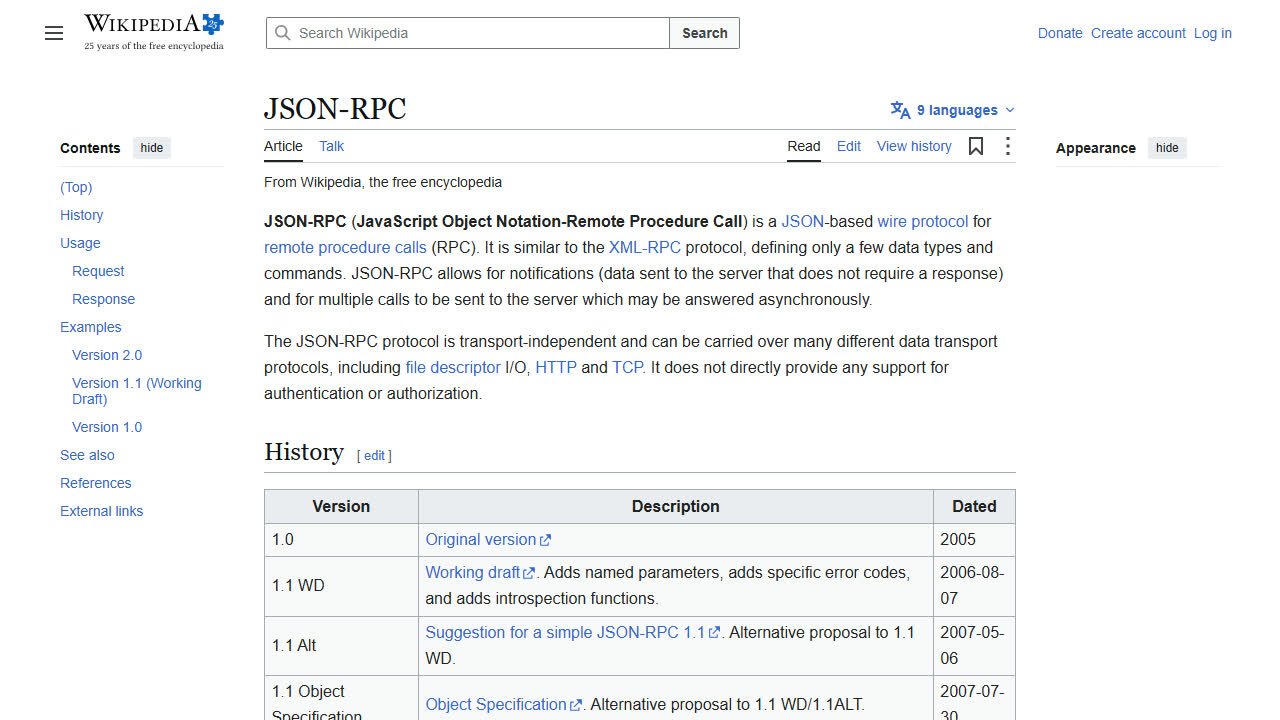
Chrome DevTools MCP take_screenshot
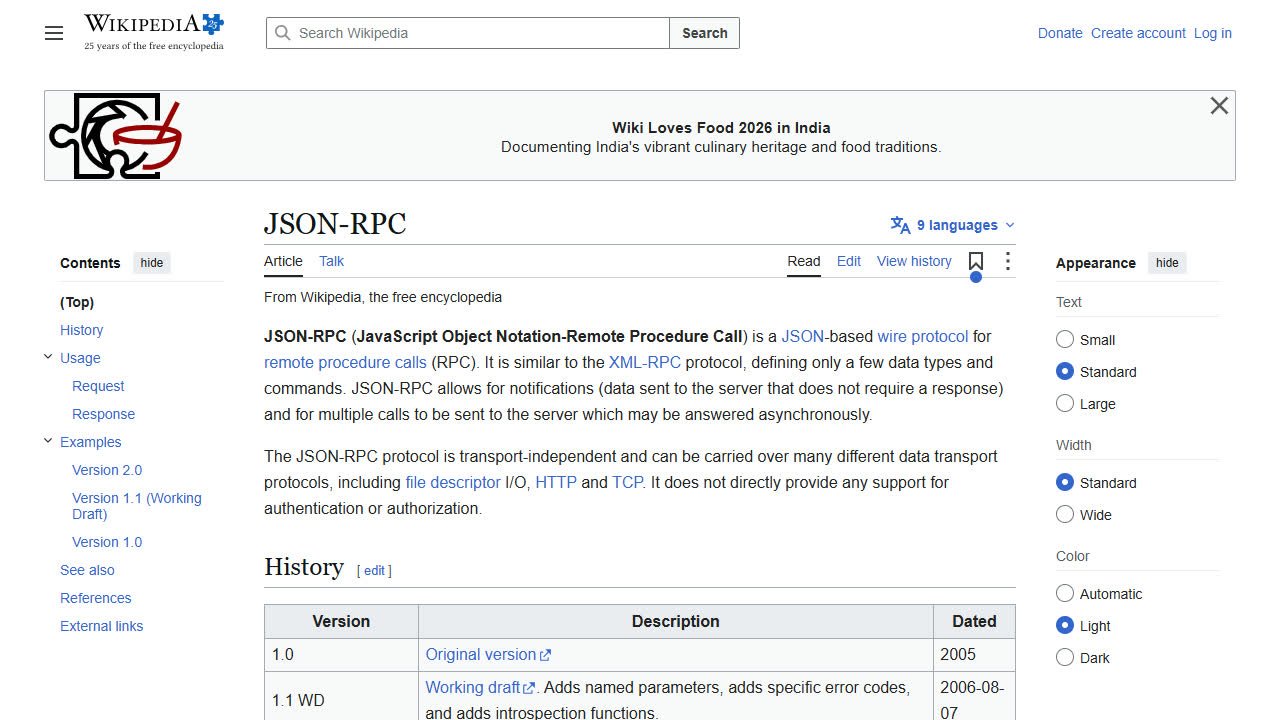
Playwright MCP browser_take_screenshot
A file-access snag. Our first Chrome DevTools MCP screenshot failed with Access denied: path ... is not within any of the configured workspace roots. The server logged that our client had not offered MCP roots, so it limited file writes to the OS temp folder. Once the script advertised its output folder as a root, the screenshot saved. Playwright MCP has a similar rule: file access is limited to the workspace roots (or the working directory) unless you pass --allow-unrestricted-file-access. Both are sensible defaults.
Performance tracing
This is the clearest difference. We called performance_start_trace on the same Wikipedia page with reload and auto-stop. It took 7.4 seconds and returned a 9,558-character summary (about 2,400 tokens) with lab metrics and a list of named insights the agent can drill into, such as LCPBreakdown, CLSCulprits, RenderBlocking and NetworkDependencyTree. Across four traces LCP ranged from 243 ms to 839 ms and CLS was 0.07 each time. By default the trace URL may be sent to Google’s CrUX API for real-user data; --no-performance-crux turns that off, and we used it.
Playwright MCP’s browser_start_tracing (with --caps=devtools) records a Playwright trace for its trace viewer. That is useful for debugging a test, but it does not hand the agent Core Web Vitals or insights. We did not run it.
Setup in Claude Code and Claude Desktop
Chrome DevTools MCP, from its client configuration guide. Claude Code:
claude mcp add chrome-devtools --scope user npx chrome-devtools-mcp@latestClaude Desktop and other JSON-config clients (add "--no-usage-statistics" to args to opt out of Google’s usage statistics):
{
  "mcpServers": {
    "chrome-devtools": {
      "command": "npx",
      "args": ["-y", "chrome-devtools-mcp@latest"]
    }
  }
}
Playwright MCP, from its README. Claude Code:
claude mcp add playwright npx @playwright/mcp@latestClaude Desktop uses the standard config:
{
  "mcpServers": {
    "playwright": {
      "command": "npx",
      "args": [
        "@playwright/mcp@latest"
      ]
    }
  }
}
For repeatable results, pin the versions instead of @latest. Chrome DevTools MCP’s README warns that MCP clients can inspect and modify any data in the browser it controls, and the same is true of Playwright MCP, so keep both away from your signed-in personal profile; --isolated on either server gives you a throwaway one. If you only need page text rather than a full Chrome, our test of the Obscura headless browser on Windows covers a lighter option.
Which should you pick?
| If you need to… | Pick | Why |
|---|---|---|
| Find out why a page is slow | Chrome DevTools MCP | Performance traces with LCP/CLS insights, Lighthouse audits |
| Debug a web app (console, network, CSS, memory) | Chrome DevTools MCP | Source-mapped console, computed styles, heap snapshots, logpoints |
| Test in Firefox, WebKit or Edge | Playwright MCP | Chrome DevTools MCP officially supports Chrome only |
| Write or fix end-to-end tests | Playwright MCP | Each action returns the Playwright code it ran; assertion tools via --caps=testing |
| Keep context small | Either, configured | Chrome DevTools --slim (~260 tokens) or Playwright’s default 25 tools (~5,300) |
| Mock network or manage cookies | Playwright MCP | --caps=network and --caps=storage |
| Avoid default telemetry | Playwright MCP | Chrome DevTools MCP sends usage statistics unless you opt out |
Nothing stops you from installing both and enabling the one the task needs. Just don’t leave both on all the time: that is over 13,000 tokens of tool definitions in every conversation. To score them on your own pages, try our prompts for evaluating AI tools.
FAQ
Is Chrome DevTools MCP better than Playwright MCP?
For debugging and performance work in Chrome, yes. For browser automation across engines and for test writing, Playwright MCP is the better fit. In our simple navigate-and-click task they performed about the same.
Do these servers use screenshots or the accessibility tree?
The accessibility tree, by default. Both return a text snapshot with an ID for each element, and the agent clicks by ID. Screenshots are available in both, and Playwright’s opt-in vision mode adds clicking by coordinates.
Can they run headless?
Yes, both with --headless. Both open a visible browser window by default.
Are they free for commercial use?
Yes. Both are Apache-2.0. Chrome DevTools MCP collects usage statistics by default, and its performance tools can query Google’s CrUX API; both can be switched off with flags.
Tested by Mediaxiss on Windows 11 with Google Chrome 158, Node 26, Python 3.12, the mcp Python package 2.3.0, chrome-devtools-mcp 1.14.0 and @playwright/mcp 0.0.86, November 28, 2026. Stars, licenses and releases were checked on GitHub the same day. Token figures are estimates (characters divided by four). Setup snippets are quoted from each project’s documentation; always follow the current official instructions.